

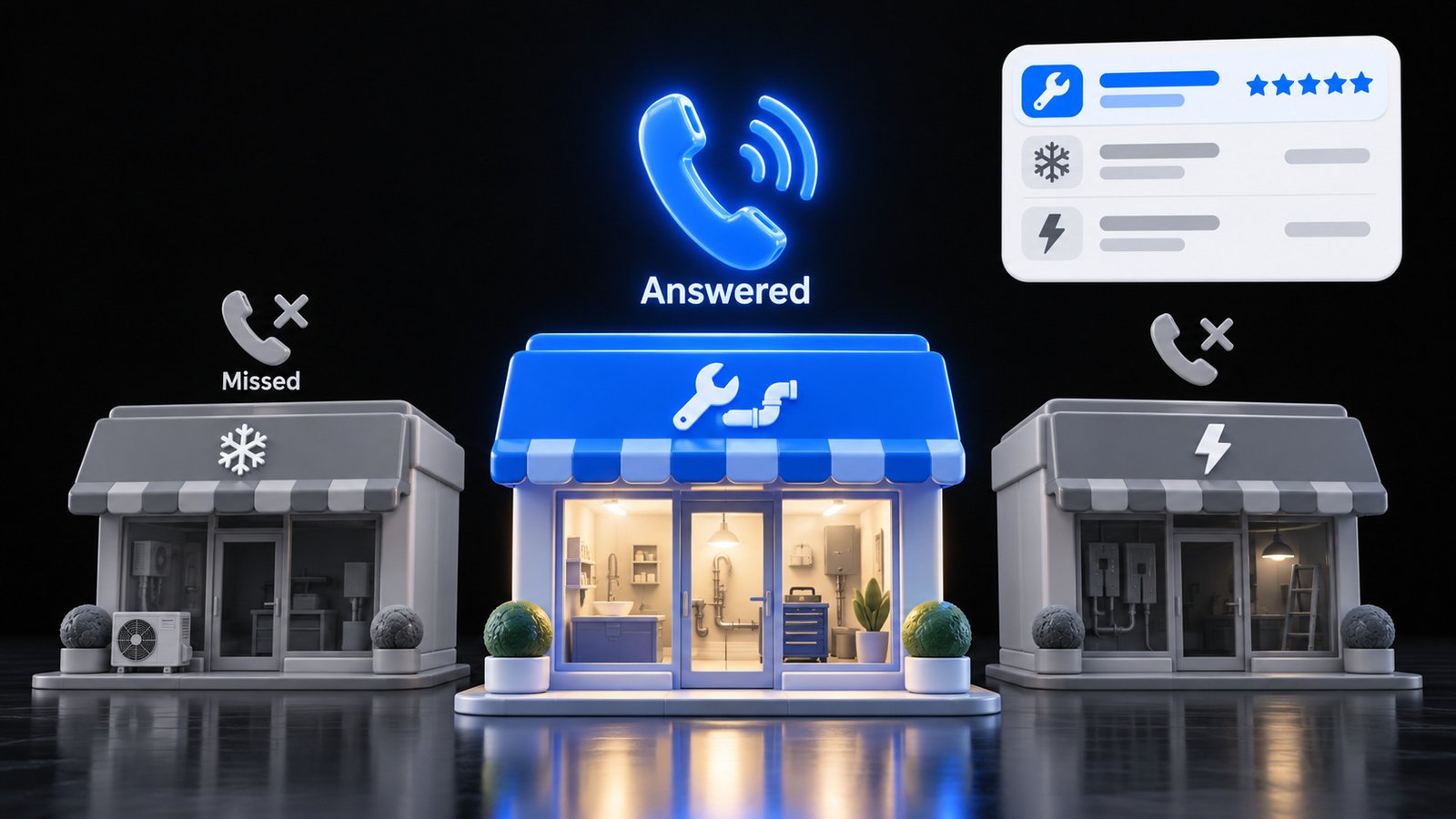
Google Local Services Ads just changed in a way that hits your wallet even when your phone never gets answered. Since October 1, 2026, a call that rings out during your business hours can count as a paid lead if the caller stays on the line for more than 20 seconds. Same with voicemail. You pay whether or not you ever talk to that person.
At the same time, Google is moving every Local Services Ads account into the main Google Ads platform as a new kind of Performance Max campaign. The old dashboard goes away. Manual bidding goes away. Your old reports do not come with you. If you run a plumbing shop, an HVAC company, a law firm, a cleaning crew or any other service business that lives on phone leads, this post walks you through what changed, what it costs you when you miss calls, and the simple fixes you can run this week.
Table of Contents
Quick Answer
Google Local Services Ads are pay per lead ads that show at the very top of Google for local service searches. In 2026 two things changed. Missed calls during business hours that last over 20 seconds, and voicemails over 20 seconds, now count as charged leads. And Local Services Ads are moving into Google Ads as Performance Max campaigns with pay per lead goals, which ends manual bidding and does not carry over your old reports. The fix is boring and it works: answer every call, keep your hours honest, download your reports before migration, and track booked jobs, not just leads.
What Google Local Services Ads Are (In Plain English)
Search “plumber near me” or “divorce lawyer” on your phone. The first thing you often see is not a normal ad and not the map. It is a short row of businesses with a badge, a star rating, a review count and a call button. Those are Local Services Ads.
Here is the deal Google makes with you:
- You do not pay per click. You pay per lead.
- A lead is a phone call, a message, or a booking request that comes through the ad.
- Google decides who shows up and in what order, based partly on your bid and partly on how likely you are to actually turn that search into a customer.
That last part matters more than most owners think. You cannot just outspend the shop down the street. Google looks at how fast you respond, how many reviews you have, your rating, your photos, and whether you finished verification. Google’s own help page says it plainly: “Missed calls may negatively affect your responsiveness.”
So these ads reward the business that picks up the phone. That was always true. In 2026 it got expensive to forget it.
What Changed in 2026
Two changes landed close together. One is about billing. One is about where the ads live.
Change 1: You can now pay for calls you never answered
Google’s help page on how leads work now lists a missed call that lasts over 20 seconds as a valid, chargeable lead. The details matter, so here they are straight from Google:
- The 20 second rule only applies to calls you do not answer. If you pick up, the call is judged on the actual conversation.
- Missed calls only count during your business hours, and those hours come from your Google Business Profile.
- If your ad schedule is different from your listed hours, a missed call only counts when it falls inside both.
- Voicemails and greetings during business hours are charged if the caller stays on over 20 seconds, “whether or not they leave a message.”
- If you use a phone menu and the caller hangs up before pressing a key, you are not charged, even if the menu played for more than 20 seconds.
- Once you are charged for a lead, follow up calls or messages from the same person are not charged again as long as there is some back and forth within 15 days.
Read that list again and picture a busy Tuesday. Your tech is under a sink. The office manager is on another line. Three calls ring out. Each one can be a lead you paid for and never spoke to. Then that customer calls the next business in the row.
Change 2: Local Services Ads are moving into Google Ads
Google is moving Local Services Ads out of their own dashboard and into Google Ads as “a specialized Performance Max campaign type” with pay per lead goals. According to Google’s help center:
- Phase one started in August 2026 for select US home service and storefront advertisers.
- Late 2026 expands to service area businesses and some accounts with custom bidding or booking setups.
- Non US accounts and the remaining categories follow in 2027.
- You get emails 14 days and 7 days before your account moves.
- Locations, service types, budgets and schedules transfer automatically.
- Weekly budgets turn into daily averages.
- Manual bidding, like setting a maximum cost per lead, is no longer supported.
- Your Local Services Ads performance reports “will not transition to Google Ads.”
- Your verified status and Google Verified badge transfer automatically.
Pay per lead stays. Placement at the top of Search and Maps stays. What goes away is your fine control over price and your history. If you never downloaded your old reports, you lose the easiest way to answer the question “is this working?”
Old Way vs New Way: What Is Different for You
Here is the short version in one table.
| Area | Before | Now |
|---|---|---|
| Where you manage it | Separate Local Services Ads dashboard | Inside Google Ads as a Performance Max campaign with a pay per lead goal |
| Missed calls | Generally not charged | Charged if over 20 seconds during business hours |
| Bidding | Manual max cost per lead was an option | Manual bidding not supported; one campaign level target |
| Budget | Weekly | Daily average |
| Reports | In the LSA dashboard | Old reports do not move over; download them first |
| Badge | Google Verified | Transfers automatically |
| Ranking | Bid, responsiveness, reviews, profile quality | Same factors; missed calls still hurt responsiveness |
Notice the pattern. Google is giving you less control and asking you to trust the machine more. That is fine if your phone gets answered and you know which leads became paying jobs. It is a slow leak if you do not.
Why Missed Calls Cost You Twice
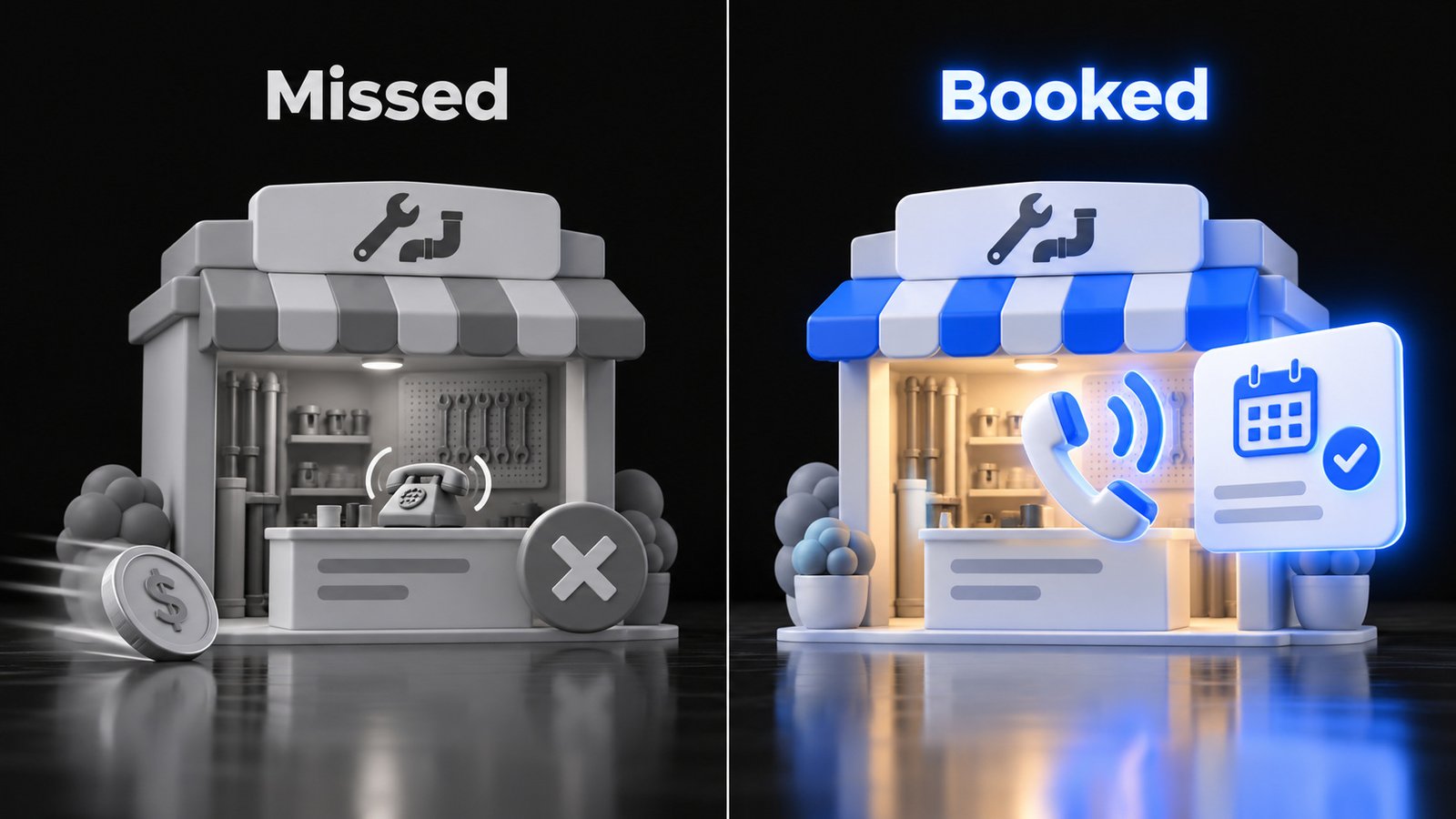
Most owners think of a missed call as one lost job. Under the new rules it is worse than that. A missed call can hit you three ways.
Hit one: you pay for the lead. Over 20 seconds of ringing during business hours and it can count. That money is gone whether or not you ever call back.
Hit two: you lose the job. People who search for a service usually want it now. SOCi’s 2026 Local Discovery Index found that 63% of consumers have walked away from a business that could not answer a question they needed answered. A ringing phone is the loudest version of “could not answer.”
Hit three: you rank lower next time. Google says missed calls can hurt your responsiveness, and responsiveness is one of the things that decides how high you show up. So the missed call today makes tomorrow’s leads harder to get.
Pay for it. Lose it. Rank lower for it. That is the triple tax on an unanswered phone.
Now flip it around. The business that answers every call during its listed hours gets the job, keeps the cost per booked job down, and looks more responsive to Google. Same ad budget. Very different result. The phone is not a back office task. It is the front door of your ad spend.
The 20 Second Rule: What Gets Charged and What Does Not
Owners lose money here because the rule sounds simple and is not. Let us walk through common situations using Google’s own wording.
| Situation | Charged? |
|---|---|
| You answer and talk to the caller | Judged as an answered call based on the conversation |
| Call rings out for 10 seconds during business hours | Not charged under the 20 second rule |
| Call rings out for 30 seconds during business hours | Can be charged as a missed call lead |
| Caller hits voicemail and stays on for 25 seconds, leaves no message | Can be charged |
| Call comes in after your listed business hours and rings out | Missed call rule does not apply |
| Caller hangs up on your phone menu before pressing a key | Not charged |
| Same person calls back 5 days after a charged lead and you talked | Not charged again |
| Same person calls 20 days later with no contact in between | Can be charged as a new lead |
Three things jump out.
First, your Google Business Profile hours are now a billing setting. If your profile says you are open until 8 pm but nobody answers after 5, you are inviting three hours of charged missed calls every day. Make your hours match reality.
Second, a long voicemail greeting is a trap. If your greeting takes 25 seconds before the beep, every caller who listens to it can become a paid lead, even if they hang up without leaving a message.
Third, a short phone menu can protect you, but only if it is quick and clear. A caller who hangs up before pressing a key is not charged. A caller who presses 1 and then rings out is a different story. Do not build a phone tree to dodge charges. Build one that routes people fast, then answer.
How Local Services Ads Rank You
Google lists the factors on its “About ad rankings” help page. In plain words:
- Your bid. The most you are willing to pay for a lead. In the new Performance Max setup this becomes a campaign level target, not a manual cap.
- How likely you are to produce a lead. That includes responsiveness, the search context such as service, timing and location, how relevant your services and bio are, and which lead types you turn on.
- Profile quality. Your rating, review count, average response time, good photos and completed verification checks.
Two of those you control completely this week: responsiveness and profile quality.
On lead types, Google notes that turning on message or booking leads gives customers more ways to reach you, which can help, especially after hours. That is useful. It also means more chances to get charged for a message nobody answers. Only turn on a lead type you will actually respond to fast.
On reviews, more and better reviews help your profile quality. This is one more reason to have a simple, honest system for asking every happy customer for a review. Never buy them and never trade discounts for them. Google treats that as fake engagement and the FTC has a federal rule against fake reviews.
Your Local Services Ads Checklist for This Week
You do not need a consultant for most of this. Block two hours and run the list.
- Download your old reports. Before your account migrates, export your Local Services Ads lead and performance reports or take screenshots. Google says they will not move to Google Ads.
- Watch your inbox. Google sends emails 14 days and 7 days before migration. Make sure the admin email on the account is one somebody actually reads.
- Fix your business hours. Open your Google Business Profile. Set hours you can really staff. Add special hours for holidays.
- Match your ad schedule to your staffed hours. Missed calls only count inside both your hours and your ad schedule. Do not run ads during hours nobody answers.
- Shorten your voicemail greeting. Get it under 10 seconds. Name, “leave your name and number, we call back fast,” done.
- Decide who answers, every hour you are open. Write it down. Owner, office manager, answering service or an AI receptionist. A name for every hour.
- Call yourself. From a cell phone, call the number on your ad at 9 am, 12:30 pm and 4:45 pm. Time how long until a human or a helpful voice picks up.
- Set a callback rule. Every missed call gets a call back within 15 minutes. Speed matters, and inside 15 days follow ups from a charged lead are not charged again.
- Mark every lead as booked or not booked. Google’s conversion count is charged leads, not jobs. Keep your own simple sheet: date, name, service, booked yes or no, job value.
- Review the leads you think are junk. Use the lead feedback option. Google says charged leads are reassessed over time and may get automatic credits. Note that lead credits are not available in health care verticals or for tax specialists.
- Ask for reviews from this week’s jobs. Send your Google review link to every finished customer.
- Clean up your profile. Fresh, real photos of your team, trucks and work. A clear bio that says exactly what you do and where.
Run this list once and you will be ahead of most of the businesses in your row.
Who Should Answer the Phone? Your Options Compared
Every business on Local Services Ads now needs an honest answer to one question: who picks up when you cannot? Here are the usual options.
| Option | Strengths | Watch outs |
|---|---|---|
| Owner answers everything | Knows the work, closes well | Breaks the moment you are on a job or with a client |
| Office staff | Personal, knows your schedule | Lunch, sick days, two lines ringing at once |
| Traditional answering service | Covers overflow and after hours | Often just takes a message; caller still waits for a callback |
| AI receptionist | Answers every call instantly, can answer common questions, capture details and book | Needs a good setup with your real services, area and rules; hand hard calls to a person |
| Voicemail plus fast callback | Cheap and simple | Every voicemail over 20 seconds can now be a charged lead; many callers move on |
There is no single right pick. A two truck HVAC company and a five lawyer firm will land in different places. The wrong pick is the one most businesses make by default: hope someone gets it, and let it go to voicemail when they do not.
What a Lead Should Look Like From Ring to Booked Job
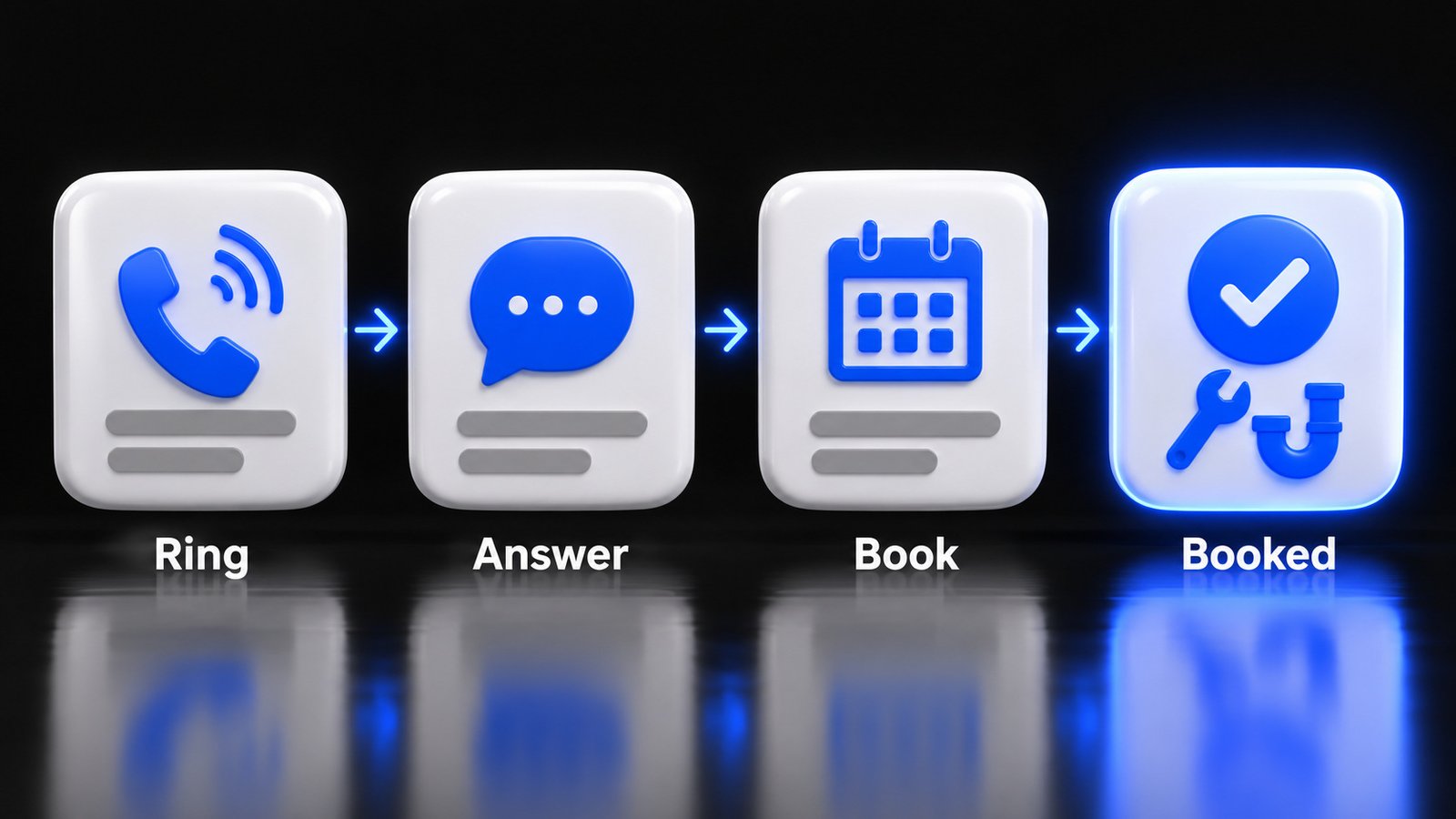
Think of every Local Services Ads lead as a short assembly line. Each step either keeps the job moving or drops it on the floor.
- Ring. The phone rings. The clock starts. Your goal is a human or helpful voice in under four rings.
- Answer. Greet with your business name and a question. “Thanks for calling [Your Business], what is going on today?”
- Qualify. Service, address or area, urgency. Two or three questions, not ten.
- Book. Offer a time. Two choices work better than “when works for you?”
- Confirm. Text a confirmation with the time and who is coming.
- Track. Mark it booked in your sheet with the job value.
- Review. After the job, send your review link the same day.
Look at step 6. This is where most owners lose the thread, especially now that old reports do not move over. Google will tell you how many leads you paid for. Only you can tell you how many of those became jobs and what they were worth. If you know your booked jobs and your total ad spend, you know your cost per booked job. That is the only number that tells you whether these ads are making you money.
Mistakes That Waste Your Local Services Ads Budget
The same handful of mistakes show up again and again in local service businesses.
Listing hours you do not staff. It feels good to look open. Under the new rules it can cost you real money.
A 30 second voicemail greeting. Long greetings were always annoying. Now they can turn hang ups into paid leads.
Turning on every lead type and answering none fast. Messages and bookings help, but only if someone replies quickly.
Judging the ads by leads instead of jobs. Twenty leads that book two jobs is worse than ten leads that book six. Track it.
Ignoring the migration email. If the account admin is a former employee or an old agency, you might find out your campaign moved when your old reports are already gone.
Chasing the top spot with budget alone. Bid matters, but responsiveness, reviews and profile quality are part of the ranking. Spend that hour fixing your phone, not just raising your target.
Gaming reviews. Buying reviews or trading discounts for them can get you restricted on Google and in trouble with the FTC. In May 2026 the FTC and the State of Illinois sued a company accused of creating thousands of fake home repair listings and posting fake five star reviews. Real reviews from real jobs are the only safe path.
Where BizWarrior Fits
Most of this checklist you can do yourself, and you should. Where local businesses usually call us is the part that is hard to fix with willpower: the phone that rings while everyone is busy, and the ad account nobody has time to watch.
BizWarrior builds a custom AI receptionist that answers every call, handles the common questions, captures the details and books the job, then hands the hard calls to you. We also run Google and Meta ads for local businesses with a focus on booked jobs, not vanity numbers, and we build conversion focused websites for the people who check you out before they call. If you want a second set of eyes on your Local Services Ads setup before or after migration, tell us about your business and we will tell you honestly what we see. You can also see everything we do.
Frequently Asked Questions
What are Google Local Services Ads?
Google Local Services Ads are pay per lead ads that appear at the top of Google Search and Maps for local service searches. They show your business name, rating, review count and a Google Verified badge. You pay when a customer contacts you through the ad by phone, message or booking request, not per click.
Do I get charged for missed calls on Local Services Ads?
Yes, in some cases. Google’s help page says a missed call during your business hours counts as a charged lead if the caller stays on the line for more than 20 seconds. Voicemails during business hours are also charged after 20 seconds, whether or not the caller leaves a message. Calls that ring out after your listed hours are not covered by the missed call rule.
Are Local Services Ads moving to Performance Max?
Yes. Google is moving Local Services Ads into Google Ads as a specialized Performance Max campaign type with pay per lead goals. The first phase started in August 2026 for select US home service and storefront advertisers, service area businesses follow in late 2026, and remaining categories and non US accounts follow in 2027.
Will I lose my Local Services Ads reports after migration?
Google says your Local Services Ads performance reports will not transition to Google Ads. Download your reports or take screenshots before your account migrates. Google emails the account admin 14 days and 7 days before the move.
Can I still set a maximum cost per lead?
No. Google says manual bidding, such as setting a maximum cost per lead, is no longer supported once your Local Services Ads move into Google Ads. Bidding moves to a single campaign level target. If you want separate targets for different services, you need separate campaigns.
How does Google rank Local Services Ads?
Google ranks Local Services Ads on your bid, how likely you are to produce a lead and your profile quality. Likelihood includes responsiveness, search context, relevance and the lead types you turn on. Profile quality includes your rating, review count, response time, photos and verification. Google says missed calls may hurt your responsiveness.
How do I stop paying for leads I never talk to?
Answer every call during your listed hours, make your Google Business Profile hours match the hours you actually staff, align your ad schedule with those hours, keep your voicemail greeting short, and call back missed callers fast. An answering service or an AI receptionist can cover the gaps when your team is busy.
Sources
- Google Local Services Help, How leads work: https://support.google.com/localservices/answer/7195435?hl=en
- Google Ads Help, Local Services Ads transition to Performance Max campaigns with pay per lead goals: https://support.google.com/google-ads/answer/17213585?hl=en
- Google Local Services Help, About ad rankings: https://support.google.com/localservices/answer/7527305?hl=en
- PPC Land, Google LSA advertisers face missed call charges from October 1: https://ppc.land/google-lsa-advertisers-face-missed-call-charges-from-october-1/ (September 25, 2026)
- SOCi, 2026 Local Discovery Index: https://golocal.soci.ai/rs/355-TUF-572/images/2026_LDI.pdf
- Federal Trade Commission, FTC and Illinois take action against company that created thousands of fake local home repair business listings: https://www.ftc.gov/news-events/news/press-releases/2026/05/ftc-illinois-take-action-stop-deceptive-conduct-company-created-thousands-business-listings-fake (May 11, 2026)
- Google Business Profile Help, Tips to get more reviews: https://support.google.com/business/answer/3474122?hl=en